Extract Photo Attachments from iPhone Text Messages



Somewhere in your Messages app sits a photo album nobody curated. The pictures your mother sent over the years, the baby photos from the family thread, the last photo a friend ever shared, none of them in your photo library because received photos never go there on their own. To extract photo attachments from those conversations at scale, the backup route beats the one-by-one tapping by miles. Here’s both, plus the setting quietly deleting these photos on a schedule.
Summary
To extract photo attachments from iPhone messages, back the phone up to your PC, open the backup in a viewer and save the photos and videos out of each conversation to folders. Received photos live only in chats until saved, so this rescues years of pictures your library never held.
| What You Need | The Right Route |
|---|---|
| A few photos from one chat | Save them on the iPhone directly |
| Years of photos across threads | Extract from a computer backup |
| Photos you deleted from the library | Check the chats, they live separately |
| A sharper copy of a blurry MMS photo | Ask the sender for the original |
Table of Contents
Why Aren’t Message Photos in Your Photo Library?
Your iPhone keeps two separate photo worlds. The library holds what you shot and what you deliberately saved. The message database holds everything ever sent or received in chats, a second collection that grows for years without appearing in Photos at all. Backup habits protect the library religiously while the chat collection just rides along inside Messages, uncounted.
One setting threatens that second world directly. Settings, then Messages, then Keep Messages offers 30 Days, 1 Year or Forever. Anything below Forever deletes old conversations on schedule, attachments included. Whoever chose 30 days to save storage is shredding their hidden photo album monthly. Set it to Forever before extracting anything.
How Do You Save Message Photos on the iPhone Itself?
For a handful of photos, stay on the phone. Open the conversation, tap the contact’s name at the top and scroll to the Photos section, where every image ever traded in that thread sits in a grid. Tap a photo, then the share button, then Save Image and it joins your library. A long press on any photo inside the conversation offers the same save.
The method is honest and the arithmetic is brutal. Each photo takes its own taps, so one active family thread means an afternoon and eleven years of threads means a lost weekend. Saving to the library also leaves the photos on the phone rather than on your computer, which is where archives belong.
How Do You Extract Photo Attachments in Bulk?
The backup route collapses the whole job. Every computer backup carries the complete message database, attachments and all, so the pictures are already sitting on your PC after any backup made with our guide to backing up an iPhone to a computer.
iData Backup Viewer opens that backup on Windows 10 or 11 and shows every conversation with its photos and videos in place, free to browse. Work through the threads that matter and save their pictures out to folders on your PC. Sort them one per person or one per year, however your archive thinks. Videos come along the same way. What was scattered across a decade of chats becomes a folder tree you can copy to any drive.
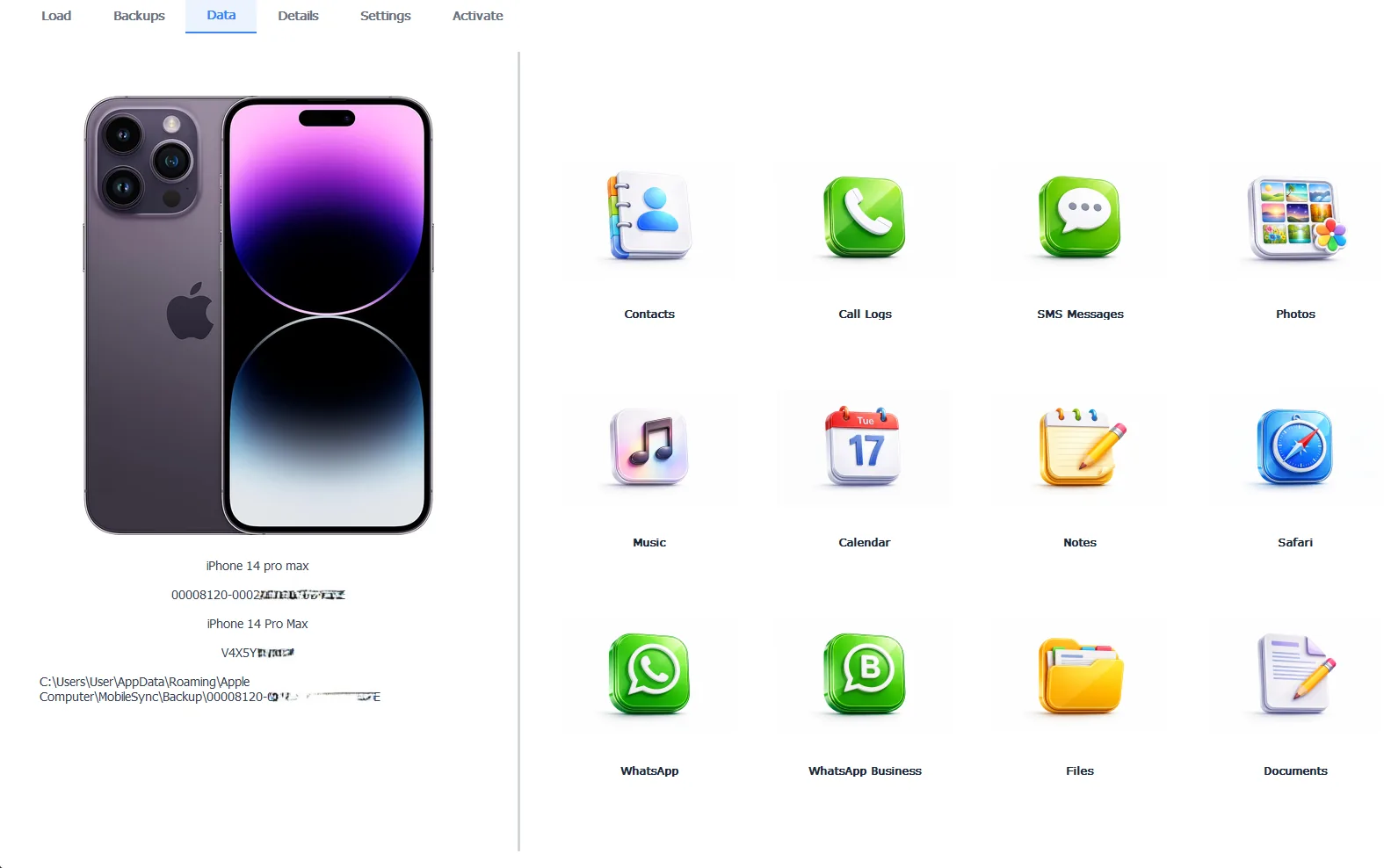
A conversation’s hidden photo album, on its way to real folders
Browsing costs nothing and proves what’s there. Saving the photos out takes the Pro edition at $49 per year, with everything running 100% locally. The words deserve saving too. Our guide to saving text messages to your computer pairs the conversations with their pictures in one archive.
Free version previews your backup contents. Works on Windows 10 and 11.
“After a loss, families search the photo library and find almost nothing, because the person’s photos were never saved there. They were sent, which means they’re in the chats. The message database ends up holding the most emotionally valuable pictures people own, in the one place nobody thinks to look.”
Viralkumar Patel in | iData Backup Viewer Team, CYBERSICS SOLUTIONS
Which Photos Survive Deletion and Which Don’t?
The two-worlds design cuts both ways and knowing the rules saves real pictures. A photo deleted from your library keeps living inside any conversation where someone shared it, the second chance our guide to recovering deleted photos builds on, past even the Recently Deleted window.
Delete the conversation though and its attachments go with it, photos and all. From there the rescue path is the one every deletion shares. A backup made while the conversation existed still holds it complete, the route mapped in our guide to recovering deleted text messages. Old backups quietly become the deep archive of chat photos, one more reason never to delete a backup casually.
Why Do Some Extracted Photos Look Low Quality?
An honest limitation first. It isn’t the extraction. Photos sent through the green bubble MMS system get compressed hard by carriers before delivery, so the fuzzy copy is the only copy your phone ever received. Extraction returns exactly what arrived, which for MMS means the compressed version. Blue bubble iMessage photos travel near full quality unless the sender enabled Low Quality Image Mode in their Messages settings.
The fix for a photo that matters is social, not technical. The sender’s phone still holds the original, so ask them to resend it by iMessage, email or a cloud link. For your own shots, the full quality originals live in your photo library and its backups, extractable through our guide to extracting photos from an iPhone backup.
So treat the message database as what it secretly is, the family album nobody printed. Set Keep Messages to Forever, back the phone up and pull the photos into folders that belong to you. The chats, the contacts and everything else worth keeping have their own exits through our iPhone data recovery hub.
Whose photos are sitting in your chats right now, saved nowhere else on earth?
Frequently Asked Questions
Are photos people send me automatically in my photo library?
No. Received photos live inside the conversation until you save each one to the library by hand. Years of family photos sit in chats this way, in a collection most people never think to back up.
Do videos extract the same way as photos?
Yes. Videos ride in the message database beside the photos, appear in the same conversations in the viewer and save out to your PC the same way.
What happens to attachments if Keep Messages is set to 30 days?
They purge with their messages. The Keep Messages setting deletes whole conversations past the cutoff, photos included, so anyone treating chats as a photo archive should set it to Forever today.
Can I get photos out of a conversation I already deleted?
From a backup made before the deletion, yes. The conversation and its photos sit frozen in that backup regardless of what happened on the phone since.
Why is a photo from a green bubble conversation blurry?
Because carriers compress photos sent as MMS, the green bubble system, before delivery. The compressed copy is the only version your phone ever received, so extraction faithfully returns that copy. Only the sender holds the original.
Is extracting the photos free?
Browsing every conversation and seeing the photos inside is free, which confirms what the backup holds. Saving them out takes the Pro edition at $49 per year, running 100% locally.
Written by Viralkumar Patel in
Viralkumar works on iData Backup Viewer at CYBERSICS SOLUTIONS, where he helps Windows users read, recover and export data from iPhone backups.