Backup Corrupt After an iOS Update? Do This First



Every September the same double disaster fills the forums. The new iOS arrives, an update goes wrong somewhere between 60 and 90 percent, the phone comes back wrong or wiped. Then the rescue backup finally gets its moment and iTunes calls it corrupt. A backup corrupt after ios update chaos is nearly always a version mixup wearing a scary costume. The real fixes run in a strict order. Phone first, verdict second, data always.
Summary
A backup called corrupt after an iOS update is healthy in most cases, rejected because iTunes on the PC is older than the iOS that wrote it. Update iTunes or install the Apple Devices app, then retry the restore. Only if it still fails move to extraction. Never delete the backup during update week.
| Your Situation | First Move |
|---|---|
| Phone stuck on logo or recovery screen | Recovery mode, choose Update not Restore |
| Backup called corrupt or incompatible | Update iTunes on the PC, then retry |
| Restore keeps failing after updates | Extract the data instead of restoring |
| Update finished but data looks gone | Different problem, see the missing data guide |
Table of Contents
What Actually Happens When an iOS Update Fails?
A failed update leaves the phone in one of three states. Stuck, looping the Apple logo or frozen mid-bar. In recovery, showing the connect-to-computer screen. Or wiped, alive but empty after a forced reinstall. The data on the phone is in danger in all three, which is why the backup suddenly matters more than the phone.
Hold onto the structure of the problem. There are two patients here, a sick phone and an accused backup. They get treated separately. The phone needs working iOS again. The backup needs its verdict examined, because September corruption verdicts lie more than any other kind.
Why Is the Backup Corrupt After an iOS Update?
The dominant cause is your iTunes, not your backup. Day one updaters back up their freshly updated phone, then hit trouble and reach for that backup with an iTunes that predates the new iOS. Old software meets new backup format and reports corrupt or not compatible, the mismatch Apple documents. Update iTunes or install the Apple Devices app and the accusation evaporates. Thirty seconds, no data touched.
The second cause is direction. A backup written by the new iOS cannot restore onto a phone running the old one, the situation beta testers and rollback attempts create every release cycle. The backup is fine. The phone just needs updating forward before it can receive it.
The third cause is genuine damage, the pre-update backup that got interrupted during the big night. Real corruption follows the rules in our guide to fixing a corrupt iTunes backup. Even then the data files inside mostly survive. The full anatomy of the error message itself lives in our guide to the corrupt or not compatible verdict.
How Do You Get the Phone Working Again?
- Connect the stuck phone to the computer and put it in recovery mode if it isn’t there already.
- When iTunes or the Apple Devices app offers Update or Restore, choose Update. It reinstalls iOS while leaving your data in place.
- Only if Update fails twice, accept Restore, which erases the phone and installs clean iOS. Your data then rides back in on the backup.
- With the phone alive on the new iOS, restore your backup following our restore guide, remembering that an older backup onto the newer iOS is the direction that always works.
Apple’s update and restore troubleshooting page covers the recovery mode key presses per model. And a phone that comes back thin, apps empty and photos sparse, is loading in the background rather than missing anything, per our guide to data missing after a restore.
How Do You Get the Data Out When Restores Keep Failing?
When the restore refuses to run even after iTunes updates, stop fighting it and go around it. iData Backup Viewer opens the accused backup on Windows 10 or 11 and reads it file by file, the route that works because corruption breaks the restore index far more than the data itself. Your messages, photos, contacts, call history and notes appear on screen, free, settling in two minutes whether the backup deserves its verdict.
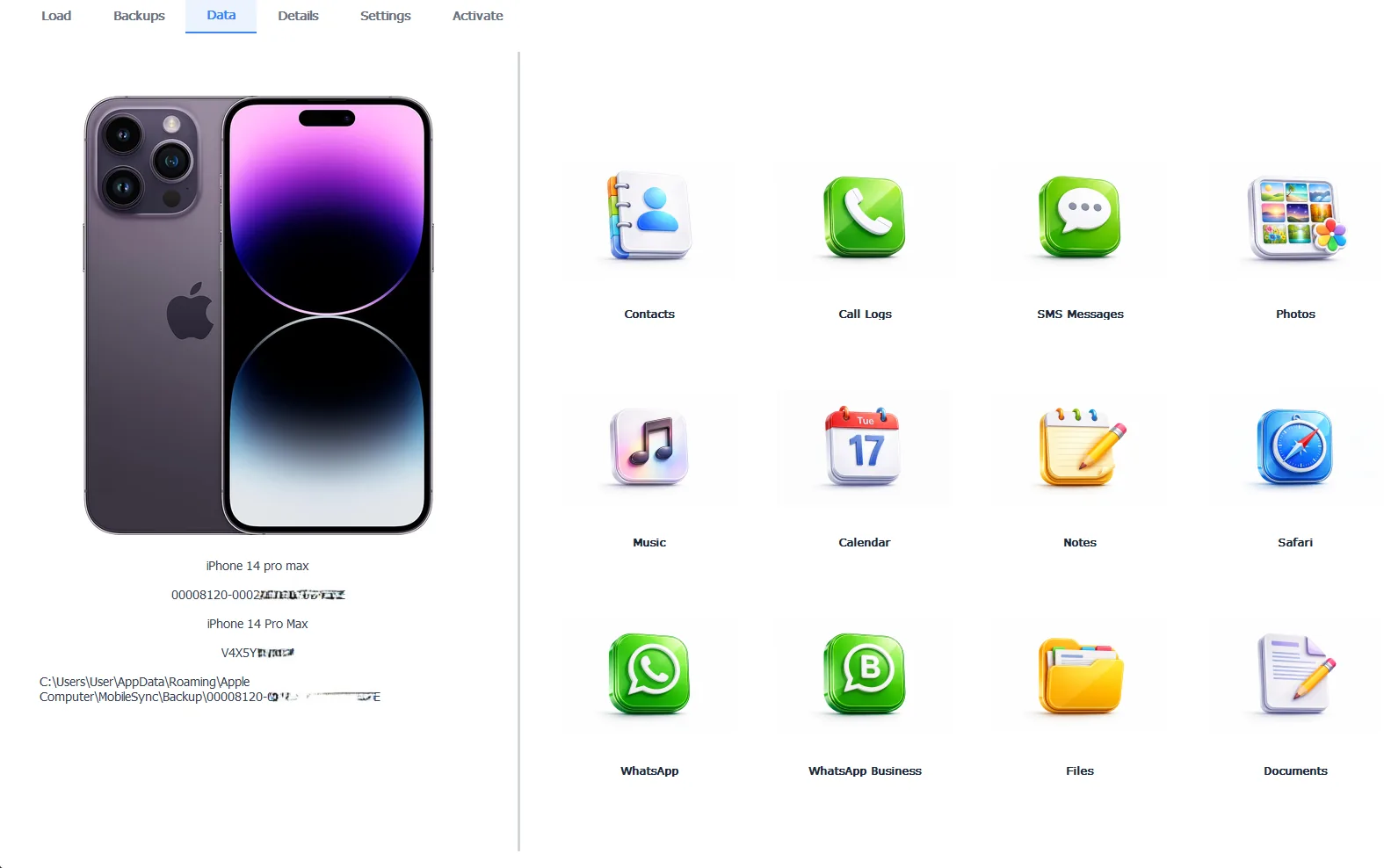
The accused backup, reading fine despite the update week verdict
Browsing costs nothing. Exporting everything worth keeping takes the Pro edition at $49 per year, 100% local. Bank the irreplaceable data first, then experiment with restores at your leisure, the order that turns a crisis into an errand.
Free version previews your backup contents. Works on Windows 10 and 11.
“Update week gives us the same story every year. New iOS on the phone, last year’s iTunes on the PC and a perfectly healthy backup wearing a corruption verdict it never earned. The saddest version is the person who believed the verdict and deleted the backup. Update iTunes before you believe anything it says in September.”
Viralkumar Patel in | iData Backup Viewer Team, CYBERSICS SOLUTIONS
How Do You Update Safely Next Time?
The whole September genre disappears with one pre-flight ritual. Back the phone up to your computer before tapping Install, encrypted, per our guide to backing up an iPhone to a computer. Then open that backup and confirm your messages and photos are inside before the update runs, the sixty second verification that converts hope into knowledge. Update iTunes the same evening the phone updates, keeping the two in step. A verified backup plus matched software means the worst update failure costs you an hour, never your history.
So run the September order. Revive the phone with Update before Restore, dismiss the false verdict by updating iTunes, extract if restoring still fights you and never delete a backup on update week’s word alone. The full map for every recovery road, this one included, lives in our iPhone data recovery hub.
Is your iTunes actually newer than the iOS that wrote your backup?
Frequently Asked Questions
Will updating iOS delete my data?
A successful update keeps everything. The danger sits in failed updates, which can leave the phone stuck until a recovery that erases it. That gap between almost always fine and occasionally catastrophic is the entire reason to back up first.
Why does iTunes call my backup corrupt right after the new iOS?
Because your iTunes is older than the iOS that wrote the backup. A backup made by the brand new iOS looks unreadable to last year’s iTunes, so it reports corruption where there’s only a version gap. Updating iTunes or switching to the Apple Devices app clears it.
What’s the difference between Update and Restore in recovery mode?
Update reinstalls iOS while keeping your data in place, so it’s always the first choice. Restore erases the phone completely and installs fresh iOS, the fallback when Update fails.
Can I restore my old backup onto the new iOS version?
Yes, always. Backups travel forward happily, older backup onto newer iOS. Only the reverse direction fails, a newer backup onto an older system.
My backup was made on the new iOS but my phone went back to the old version. Now what?
That backup can’t restore until the phone updates to the backup’s iOS version again. Update the phone forward or extract the data from the backup with a viewer, no restore needed.
Is the data inside a genuinely corrupt backup gone?
Rarely. Corruption tends to break the index restores depend on while the data files survive, so a viewer reading the backup file by file recovers messages, photos and contacts a restore never could.
Written by Viralkumar Patel in
Viralkumar works on iData Backup Viewer at CYBERSICS SOLUTIONS, where he helps Windows users read, recover and export data from iPhone backups.